

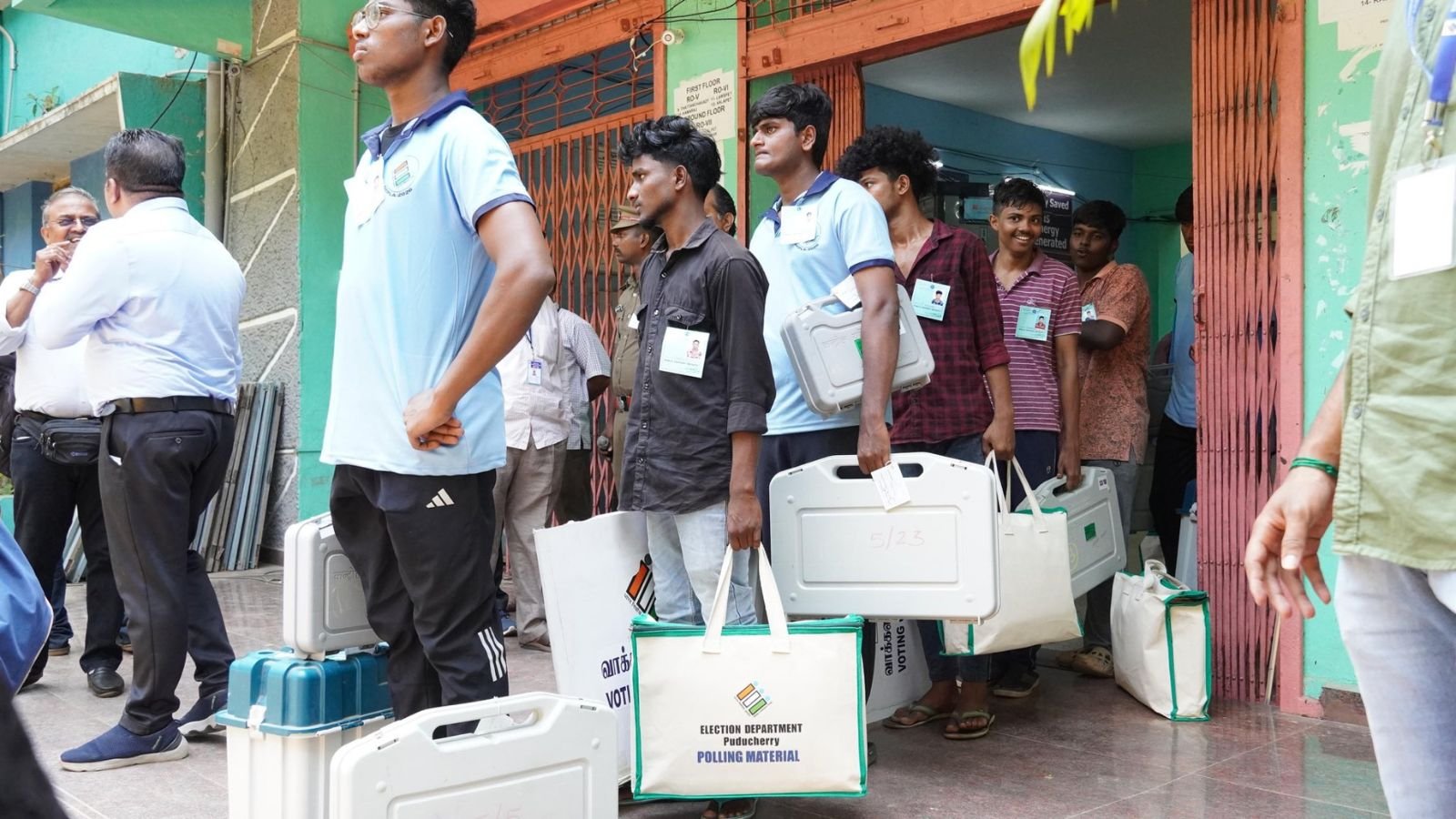
Polling materials being dispatched from collection centre at Women’s Engineering College, Lawspet. (Source: X/ @ceopuducherry)
The current phase of Assembly elections will begin Thursday, April 9, with voting taking place in Assam, Kerala, and Puducherry. The Election Commission of India has released the electoral rolls and other details crucial for voters to exercise their rights.
The Assam elections will be keenly watched with sitting Bhartiya Janta Party (BJP) Chief Minister Himanta Biswa Sarma hoping to return to power. The Opposition Congress is alleging instability under the present rule, and has batted for change as a key factor in their electoral campaign.
In Kerala, the election battle is between the ruling Left Democratic Front (LDF) and the opposition United Democratic Front (UDF) for the Assembly elections. The CPI(M)-led LDF, led by CM Pinarayi Vijayan, is seeking a third consecutive term.
Also Read | Why this is Pinarayi Vijayan’s election – to win or to lose
The Union Territory of Puducherry will see the ruling National Democratic Alliance of BJP hoping to consolidate its hold on power. The Congress has put forth the demand for full statehood, growth in local leadership and aiming a reduction in the authority of the LG in its campaign.
The following are the steps you need to follow to find your relevant details
How to download electoral rolls/voter lists
Go to the voters’ service portal of the Election Commission of India: https://voters.eci.gov.in/
Select your state (Assam, Kerala, Puducherry) and enter the current year, 2026.
Select your roll type (SIR Final Roll- REV 2- 2026), District, Assembly Constituency and Language.
Fill the text captcha as provided.
From the dropdown list, search for your part number and part name, and select the parts relevant to you
Click on download selected PDFs
How to find polling booth/polling station
Go to the voters’ service portal of the Election Commission of India: https://voters.eci.gov.in/
Click on the option – Search your Name in the Voter List
Select the option to Search your name in the Voters list
Select one of the three options:
Search by EPIC
Select your language, fill in your EPIC number, and select your state.
Enter the Captcha and Search
Your details will appear after you search. Click on “View Details”
You will find your polling station, constituency number and name, Polling part number and name, and the polling date.
Search by Details
Story continues below this ad
Fill in your name, your relative’s name, birth details, gender, location details, and captcha
Click on search, and you will find all your polling details
Search by Mobile
Select your language, and select your state.
Enter your mobile number, the Captcha and click on send OTP.
Fill the OTP received on your mobile number, and then click on search.
You will find your polling station, constituency number and name, Polling part number and name, and the polling date.
Stay updated with the latest – Click here to follow us on Instagram
© IE Online Media Services Pvt Ltd
