

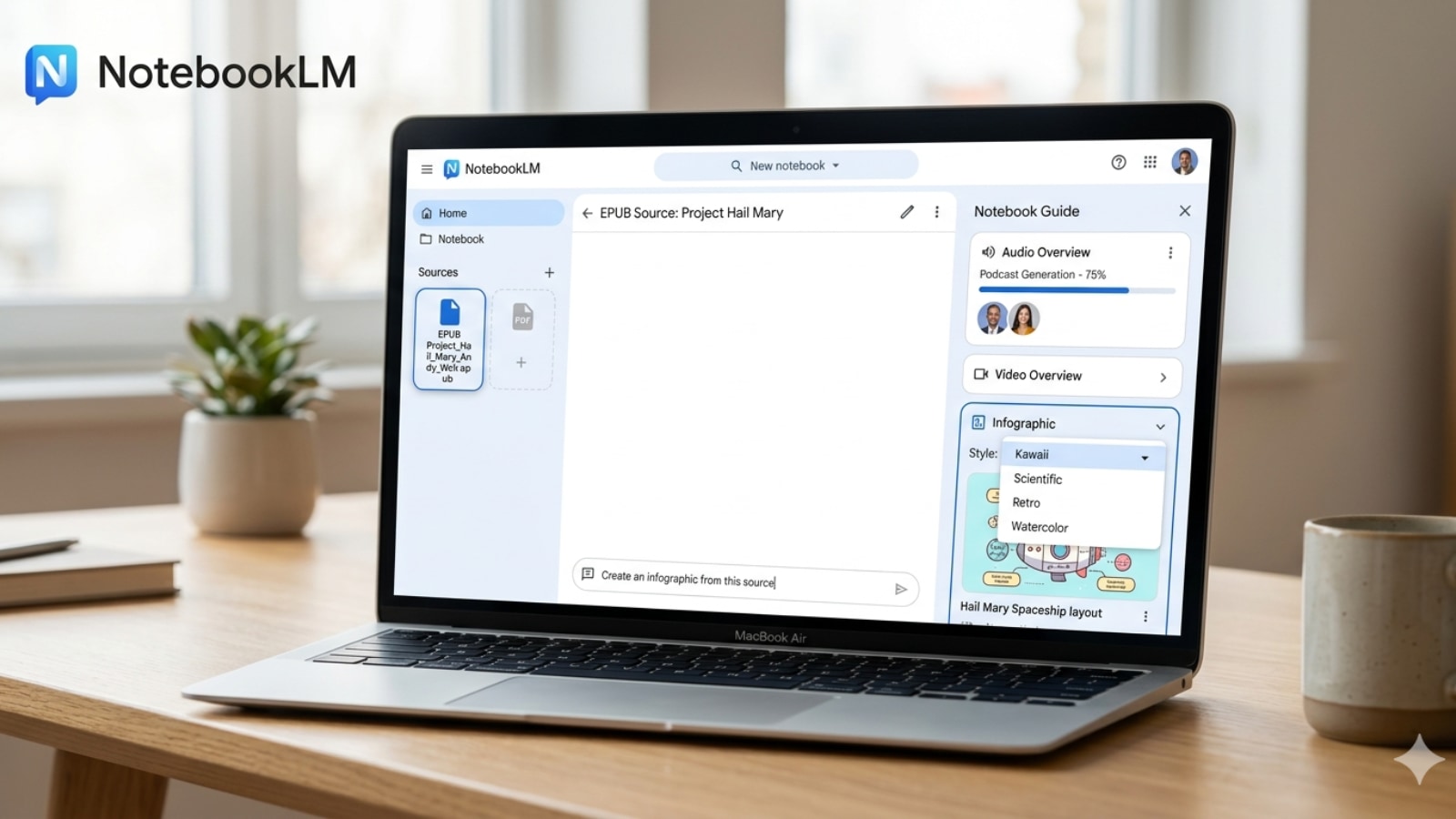
Post ContentGoogle’s NotebookLM now lets users upload EPUB books and turn them into summaries, podcasts, videos, and infographics. (Image Source: Gemini/AI)
Google Gemini may hallucinate and make up things from time to time, but NotebookLM is one of the few AI apps that you can rely on. Since the AI-powered tool allows users to select their source material to prevent hallucinations, it is widely used by students and professionals to understand complex concepts in an easy-to-digest format.
In a post on X, Google recently announced via NotebookLM’s official handle that users will now be able to upload EPUB files as sources. EPUB, also written as ePub, is one of the most popular book file formats because it adapts easily to various screen sizes.
Compared to PDFs, the format also has other advantages, like smaller file size and support for interactive elements. With the new update, NotebookLM users can now simply upload their EPUB books and transform them into Video and Audio Overviews, generate Slide decks and even get a quick summary with a few taps.
Also Read | First RAM and storage, now CPUs: Why AI is making laptops 40% more expensive in 2026
Since many novels are available in ePub format, users can also use NotebookLM to quickly generate a video summary of a book, ask questions about iconic lines, or use the Audio Overviews feature to turn their favourite novels into a podcast hosted by two AI presenters that users can even join.
In another post, NotebookLM also announced that the tool now lets users create custom infographics in 10 specific styles: Sketch, Kawaii, Professional, Scientific, Anime, Clay, Editorial, Instructional, Bento Grid, and Bricks.
Users can also choose from different layouts, such as landscape, portrait, and square, and select between Concise, Standard, and Detailed levels of information in the infographic. NotebookLM also allows users to guide the AI on elements like style, colour, and focus by describing how they want the infographic to look.
© IE Online Media Services Pvt Ltd
