

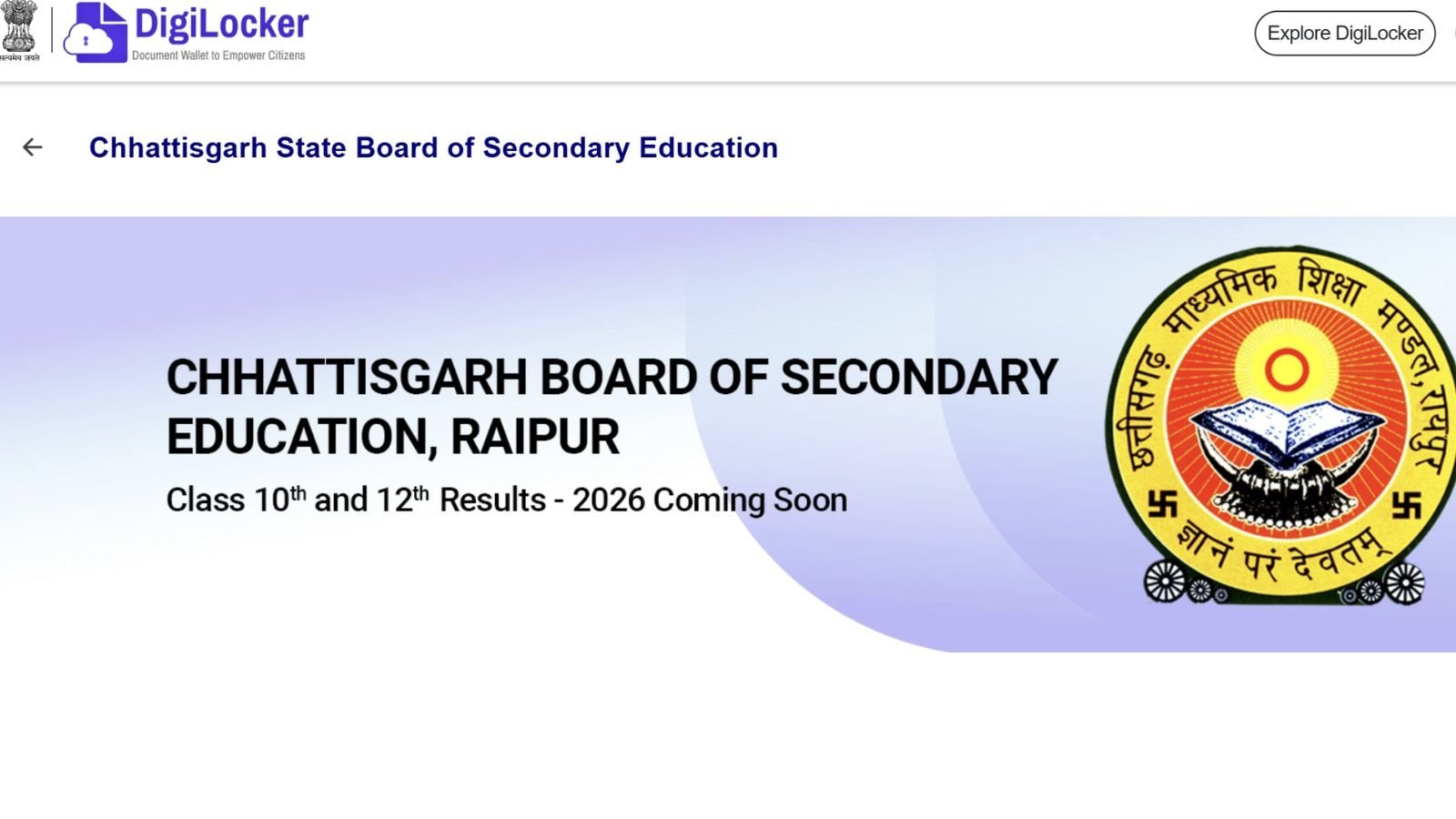
Over 3 lakh students appeared for their CGBSE board exams. The Chattisgarh Board conducted its class 10 CGBSE exam from February 21 March to April 13, while for class 12 the CGBSE exam went from February 20 to March 18, 2026. Last year, CGBSE Class 10 board exam results were announced on May 7, 2025.
To check the CGBSE board Class 10th results, click here
For CGBSE Class 12th results, click here
The exams took place from March 3 to March 24. The pass percentage stood at 76.53 per cent.
Read | CGBSE 10th, 12th Results 2026: When and from where to download
In last year’s exams, the Chhattisgarh Board had two toppers, Ishika Bala from Govt HS School in Gondahur, Kanker, and Naman Kumar Khuntia from Swami Atmanand Govt Utkrisht English Medium School in Jashpur. Both candidates had secured 99.17% marks.
CGBSE CG Board 10th, 12th Result 2026: How to check
Apart from official websites, students will be able to check results at DigiLocker. To begin with, students should keep a few key details ready, including their roll number, school code, and the mobile number registered with CGBSE. In addition, a 6-digit security PIN provided by the school may also be required for account activation.
Story continues below this ad
Step 1: Go to the CGBSE DigiLocker activation portal and select Class 10. Enter your roll number, school code, and the 6-digit security PIN provided by your school. Verify your details and complete OTP authentication using your registered mobile number. Once verified, your account will be activated.
Step 2: Visit the DigiLocker website or open the mobile app. Log in using your registered mobile number or DigiLocker ID and password. Complete OTP verification if prompted.
Step 3: After logging in, navigate to the ‘Issued Documents’ section on your dashboard. This is where CGBSE uploads official digital records.
Step 4: Look for the document titled ‘CGBSE Class 10, 12 Marksheet 2026’. Click on it to open your result.
Story continues below this ad
Step 5: Your marksheet will appear in PDF format. Verify your name, roll number, school code, subject-wise marks/grades, and result status.
Step 6: Click on the download option to save the PDF on your device. This DigiLocker-issued document is official and can be used for admissions and verification.
Step 7: Ensure results have been declared by the CGBSE. If declared but not visible, recheck your login details or contact your school for help with activation or PIN.
To check the CGBSE Chhattisgarh Board Class 12 Result 2026 online, students must first visit any of the official result websites, such as cgbse.nic.in or results.cg.nic.in. On the homepage, they should click on the link titled “CGBSE Class 12 Result 2026.”
Story continues below this ad
After that, candidates need to enter their roll number and other required details. Once the information is submitted, the result will be displayed on the screen. Students are advised to download and take a printout of their results for future reference.
Last year, CGBSE declared its class 10 and 12 results on May 7. The Chhattisgarh Board exam happened between March 3 and March 24, 2025. The pass percentage was 76.53 per cent. As many as 3,23,094 students appeared for the exam, while 2,45,913 students have cleared the exam.
