

After the CGBSE High School and Higher Secondary School exam results 2026 are declared, students can download them from the official website – cgbse.nic.in, results.cg.nic.in.
CG Board CGBSE 10th 12th Class Result 2026: The Chhattisgarh Board of Secondary Education (CGBSE) will today declare the result for class 10 and 12. After the CGBSE High School and Higher Secondary School exam results 2026 are declared, students can download them from the official websites – cgbse.nic.in, results.cg.nic.in. To check the CGBSE Class 10, 12 results at the IE Education, visit education.indianexpress.com.
Homepage of the CGBSE official site (screenshot from website)
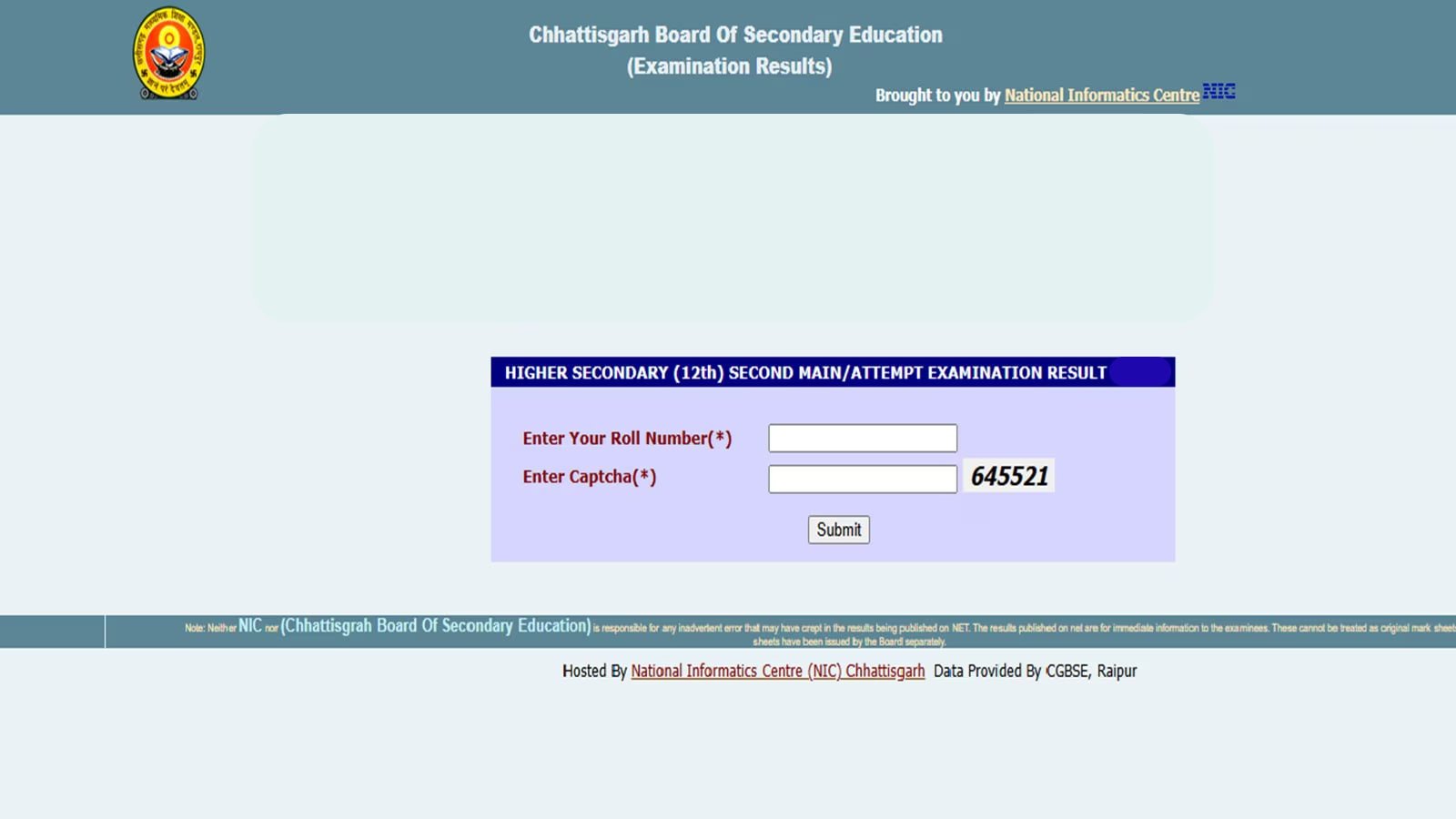
To download the CGBSE results, candidates were required to visit the Students’ Corner and click on “Exam Results 2026.”
CGBSE CG Board 10th, 12th Result 2026: How to check
They then had to select their respective class and enter the required details. Once submitted, the result appeared on the screen, and students were advised to download and save the scorecard for future reference. The CGBSE examinations for both classes were conducted in a single shift from 9:00 AM to 12:15 PM. An additional 15 minutes were provided at the beginning to read the question paper, and the exams were held in offline mode.
The results will be available at the students’ corner (screengrab from website).
Students can download the results from Digilocker, too. For this, they have to log in to the Digilocker website or mobile application and then go to the search documents section and search for CGBSE results.
The results are available at Digilocker, also. (screengrab from website).To pass the exam for both classes students have to get a minimum of 33 per cent. Those who could not pass in 1 or 2 subjects can appear for the compartment exam. Those who want to increase their marks can take the improvement exam.
Students at the exam hall. (Representative image/ Image created by AI)
After that, select the respective classes and then give the information as required. The result will appear; you can save it under the section of issued documents in Digilocker itself.
